How to Diagnose a Website About Seo
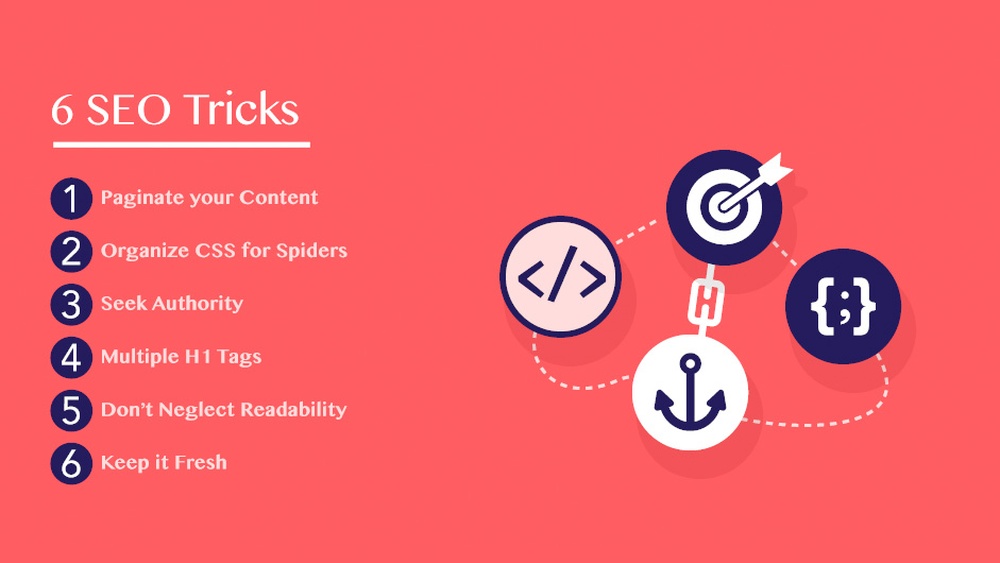
Is your website struggling to attract visitors or rank well on search engines? If so, you might be missing key SEO elements that can make or break your online success.
Understanding how to diagnose a website about SEO is essential to spot problems fast and fix them effectively. You’ll discover simple, practical steps to analyze your site’s SEO health. By the end, you’ll know exactly what’s holding your website back and how to boost its performance.
Ready to unlock your website’s full potential? Let’s dive in.
Key Seo Metrics To Check
Understanding key SEO metrics helps to measure a website’s health and performance. These metrics show how well the site attracts visitors and ranks on search engines. Checking the right metrics guides improvements and boosts visibility.
Focus on data that reflects real user behavior and search engine results. This approach ensures efforts target the most impactful areas. The following metrics provide clear insights into SEO success.
Analyzing Organic Traffic
Organic traffic shows how many visitors come from search engines. It reveals the site’s reach and popularity. Track changes in traffic to spot trends and issues. Steady growth means SEO efforts work well. Drops might need quick fixes or new strategies.
Evaluating Keyword Rankings
Keyword rankings show where the website appears in search results. Good rankings increase chances of clicks and visits. Monitor the main keywords to see if they improve or fall. Adjust content and SEO tactics to keep or boost rankings.
Assessing Backlink Quality
Backlinks are links from other sites to yours. Quality backlinks build trust and authority with search engines. Check if backlinks come from reliable, relevant sources. Remove or disavow low-quality or spammy links to protect rankings.
Monitoring Bounce Rate
Bounce rate measures how many visitors leave after one page. A high bounce rate may mean poor content or bad user experience. Track this metric to understand visitor engagement. Improve page design, content, and loading speed to lower bounce rate.
Credit: neilpatel.com
Technical Seo Audit
A technical SEO audit checks the health of your website. It finds problems that affect search rankings and user experience. This audit helps improve your site’s performance and visibility. You get clear steps to fix technical issues.
Technical SEO focuses on the backend parts of your site. These parts include speed, mobile usability, crawling, and URL setup. Fixing these areas helps search engines understand your site better.
Checking Site Speed
Site speed affects both users and search engines. Slow sites lose visitors quickly. Use tools like Google PageSpeed Insights to test your load time. Aim for under 3 seconds. Compress images and reduce code to speed up pages.
Reviewing Mobile Friendliness
Mobile devices generate most web traffic today. Your site must look good and work well on phones and tablets. Use Google’s Mobile-Friendly Test to check usability. Ensure buttons are easy to tap and text is readable without zooming.
Inspecting Crawl Errors
Crawl errors stop search engines from indexing your pages. Use Google Search Console to find these errors. Fix broken links, server errors, and missing pages. A clean crawl report improves your site’s indexation and ranking.
Evaluating Url Structure
URLs should be simple and descriptive. Clean URLs help users and search engines understand page content. Avoid long strings of numbers or symbols. Use keywords in URLs but keep them short and clear.
Content Quality Review
Content quality is a key factor in SEO success. It affects how search engines rank a website and how users interact with it. A thorough content quality review helps identify strengths and weaknesses. This review focuses on keyword use, originality, readability, and meta tags. These elements work together to improve a site’s visibility and user experience.
Assessing Keyword Usage
Keywords help search engines understand a page’s topic. Check if the main keywords appear naturally in the text. Avoid keyword stuffing or overusing the same words. Use related terms to cover the topic fully. Proper keyword placement in titles and headings also boosts SEO.
Checking Content Originality
Original content stands out and ranks better. Duplicate or copied content lowers trust and search rankings. Use tools to check for plagiarism. Ensure all information is unique or properly cited. Fresh content attracts more visitors and keeps them engaged.
Evaluating Readability
Easy-to-read content holds visitors longer. Use short sentences and simple words. Break text into small paragraphs and bullet points. Avoid jargon or complex terms. Clear content helps users find information quickly and improves SEO.
Reviewing Meta Tags
Meta tags provide key information to search engines. Check if each page has a unique title and description. Titles should include main keywords and be under 60 characters. Descriptions must be clear and under 160 characters. Well-crafted meta tags improve click-through rates.
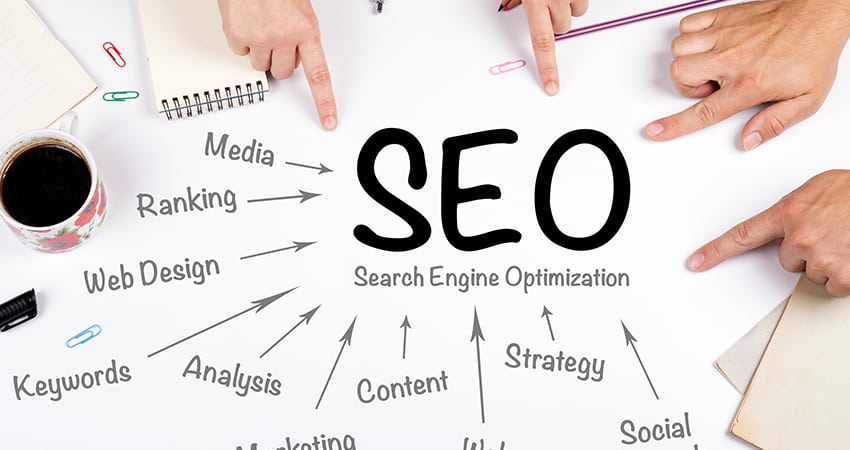
Credit: multichannelmerchant.com
User Experience Factors
User experience plays a big role in SEO success. Search engines want to show sites that users like and find easy to use. Good user experience keeps visitors on your site longer and lowers bounce rates. This tells search engines your site is valuable.
Several factors affect user experience. These include how easy your site is to navigate, how well it works on mobile devices, how visitors interact with your content, and the overall look and feel. Each of these influences your SEO performance.
Navigational Ease
Simple navigation helps users find what they want quickly. Clear menus and logical structure make browsing smooth. Visitors stay longer and visit more pages. Search engines also crawl your site better with clear navigation. Avoid clutter and confusing menus.
Mobile Usability
Most people use phones to browse websites now. Your site must work well on small screens. Buttons should be easy to tap. Text should be readable without zooming. Fast loading on mobile is key. Google ranks mobile-friendly sites higher.
Engagement Metrics
Engagement shows how visitors interact with your site. Metrics like time on site, pages per visit, and bounce rate matter. High engagement means visitors find your content useful. Low engagement signals poor experience. Use these insights to improve your site.
Visual Design Impact
Good design makes a site appealing and easy to use. Balanced colors, readable fonts, and clean layout help users focus. Avoid too many ads or pop-ups. A neat design builds trust and keeps visitors on your site. This improves SEO rankings.
Competitive Analysis
Competitive analysis helps you understand your website’s SEO position compared to others. It shows where you stand and what you can improve. Studying competitors reveals their strengths and weaknesses. This knowledge guides your SEO strategy to gain an edge.
Benchmarking Against Competitors
Start by identifying your main competitors. Check their website traffic and keyword rankings. Use SEO tools to compare your site’s performance with theirs. This helps set realistic goals and track progress over time. Benchmarking reveals which keywords drive traffic to their sites.
Identifying Content Gaps
Analyze your competitors’ content to find topics they cover well. Look for subjects they missed or explained poorly. Filling these gaps with quality content attracts more visitors. Unique and valuable content boosts your site’s authority and ranking.
Analyzing Backlink Profiles
Review your competitors’ backlink sources. Note the quantity and quality of their links. Good backlinks improve search engine trust and ranking. Seek similar or better link opportunities for your site. This strengthens your website’s authority.
Spotting Opportunities
Competitive analysis uncovers areas where you can improve quickly. Identify keywords with low competition but good search volume. Discover fresh content ideas and backlink sources. Use this insight to optimize your SEO efforts effectively.

Credit: www.americaneagle.com
Tools For Seo Diagnosis
Diagnosing a website for SEO requires the right tools. These tools help find problems and areas to improve. They give clear data about how a website performs in search engines. Using the correct tools saves time and guides effective actions.
Popular Seo Audit Tools
SEO audit tools scan your website for issues. They check things like broken links, missing tags, and slow pages. Tools like Screaming Frog and Ahrefs provide detailed reports. These reports show what needs fixing for better SEO.
Using Google Analytics
Google Analytics tracks visitor behavior on your site. It shows how users find your pages and what they do. This data helps identify popular content and pages with high bounce rates. Understanding user actions helps improve the website’s SEO strategy.
Leveraging Search Console
Google Search Console gives insights into your site’s search presence. It shows which keywords bring traffic and any crawl errors. This tool helps monitor indexing issues and search performance. Fixing these problems boosts your website’s visibility in search results.
Third-party Seo Software
Third-party SEO software offers extra features beyond free tools. Platforms like SEMrush and Moz provide keyword tracking and competitor analysis. These tools help track SEO progress over time. They also offer suggestions to improve your website’s ranking.
Frequently Asked Questions
What Are The First Steps To Diagnose Seo Issues?
Start by analyzing site speed, mobile-friendliness, and crawl errors. Use tools like Google Search Console and PageSpeed Insights. Check for broken links and duplicate content. These initial checks highlight common SEO problems affecting your website’s performance and ranking.
How To Identify On-page Seo Problems Effectively?
Review meta titles, descriptions, and header tags for relevancy and keywords. Ensure content is unique and properly formatted. Check URL structure and internal linking. On-page SEO diagnosis improves content clarity and search engine understanding.
Which Tools Help Diagnose Website Seo Performance?
Google Analytics, Search Console, SEMrush, and Ahrefs provide vital SEO insights. They track traffic, keyword rankings, backlinks, and technical issues. Using these tools helps identify SEO strengths and weaknesses for better optimization strategies.
How To Check A Website’s Backlink Quality?
Analyze backlinks using tools like Ahrefs or Moz. Focus on link relevance, authority, and diversity. Remove toxic or spammy links that harm SEO. High-quality backlinks boost your site’s credibility and search rankings.
Conclusion
Diagnosing a website’s SEO helps improve its online presence. Check site speed, mobile use, and keywords carefully. Fixing errors boosts search rankings and user experience. Regular audits keep your site healthy and visible. Small changes can lead to better traffic and leads.
Start with simple steps and grow from there. Keep learning and adjusting as search engines change. This process takes time but brings steady results. Stay patient and consistent for the best outcome.